
All Posts
Can You Automate Your Business Without Replacing the Software You Already Use?
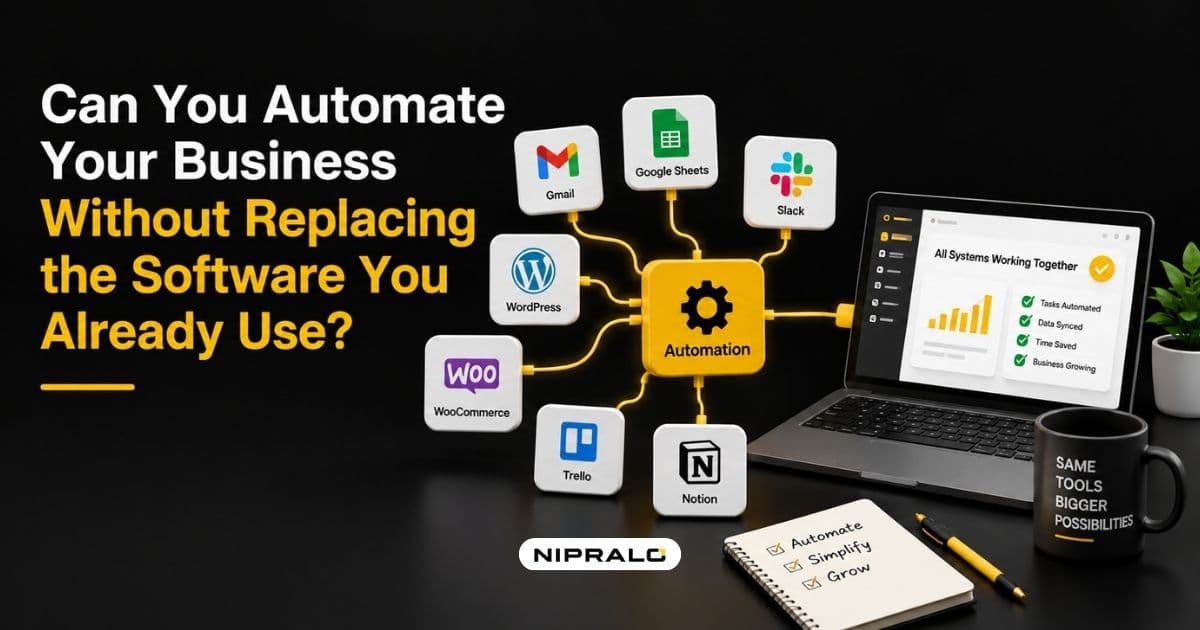
Short answer: usually yes.
Longer answer: yes, up to a specific point, and knowing where that point sits is the difference between a smart ₹2 lakh fix and a wasted ₹20 lakh one.
Most businesses asking this question are being told they need to replace everything. That advice is not always wrong, but notice who benefits from it. Replacing your stack is the most expensive answer available, and it is the one most vendors reach for first.
Meanwhile the software you already own is probably fine. Tally works. Your CRM works. The billing tool works. What does not work is the space between them, where a person sits with a CSV file.
That space is the thing you can usually fix without replacing anything.
Why the space between systems is the actual problem
Here is the Indian version of this, and it is remarkably consistent.
Tally is the accounting system of record. Orders arrive from Shopify or Amazon. Customers live in Zoho or a spreadsheet. Payments come through Razorpay. Attendance comes off a biometric machine. Compliance data goes to the GST portal.
Six systems. All of them competent. None of them talking. So somebody re-keys data between them every day, and that manual re-entry is where the errors, delays and compliance gaps come from, not from any of the individual tools.
Replacing Tally does not fix that. It gives you a newer system with the same gaps around it.
The five ways to connect what you already own
Ranked by cost and effort, cheapest first. Most businesses need two or three of these, not all five.
1. Native integrations you already paid for
Start here, always. Check what your existing tools already connect to.
A surprising number of businesses pay for software with built-in connectors nobody switched on. Razorpay to Tally, Shopify to your inventory tool, WhatsApp Business to your billing system. Free, already in the licence, and generally supported by the vendor.
Cost: nothing. Time: an afternoon. Do this before anything else.
2. No-code automation tools
Zapier, Make, Power Automate, n8n. These sit between your tools and move data on triggers you define.
Genuinely powerful for the common cases: new order creates a customer record, paid invoice triggers a WhatsApp confirmation, form submission creates a task. No developer needed.
The catch is pricing. Most charge per task or per run, so cost climbs with volume. Fine at a few thousand operations a month, painful at fifty thousand.
Cost: low, but volume-linked. Time: days to two weeks.
3. An integration layer
This is the proper name for what most growing businesses eventually need. A single layer that every system connects to once, instead of each tool connecting directly to every other tool.
The reason this matters is arithmetic. Point-to-point, five systems need up to ten connections. Through a central layer, they need five. Add a sixth system and point-to-point jumps to fifteen while the layer approach goes to six.
It also means you can swap a tool later without rebuilding everything attached to it. The whole design intent is to maximise the value of systems you already own and modernise at your own pace.
Cost: medium, from roughly $500 a month upward for platform options. Time: three to eight weeks.
4. Direct API integration
Custom code connecting two systems properly. This is what you build when the flow is business-critical, high volume, or too specific for an off-the-shelf connector.
For Indian businesses, the Tally case is the common one. TallyPrime supports GET and POST operations across XML, JSON and ODBC, so it can be connected to almost anything, including software written in .NET, Java, PHP or SQL.
Higher upfront cost, but no per-task pricing, and it handles volume without the bill climbing.
Cost: medium upfront, low ongoing. Time: four to twelve weeks.
5. A thin custom layer on top
Sometimes the systems are fine but the people need one place to work. A lightweight dashboard or portal that reads from and writes to your existing tools without replacing any of them.
Your team stops opening five applications. The data still lives where it lived. This is the least understood option on the list and often the most valuable, because it fixes the experience problem without touching the systems.
Cost: medium. Time: two to four months.
What to do when a system has no API
This is the objection that stops most Indian businesses, because plenty of the software in use here predates the assumption that everything should be connectable.
Four routes, in order of preference:
Check again properly. Many older systems have an export function, a scheduled report, or an ODBC connection that nobody in the building knows about. Ask the vendor directly rather than assuming.
Use the database. If the system writes to SQL and you have access, you can often read from it safely. Reading is low risk. Writing directly into another product's database is not, and should be a last resort with the vendor's blessing.
Automate the file. If it can export a CSV on a schedule, that file can be picked up, transformed and pushed onward automatically. Unglamorous, reliable, and it solves a large share of real cases.
Screen-level automation. Software that drives the interface the way a person would. It works, but it is brittle. Any interface change breaks it. Treat this as a bridge while you plan something better, never as the destination.
The honest limits
Integration is the right answer often, not always. Here is when it stops being the honest recommendation.
When you are maintaining more connections than systems. If your integration setup has become its own project with its own failure modes, you have moved the complexity rather than removed it.
When the underlying data model is wrong. If two systems fundamentally disagree about what a "customer" or an "order" is, no connector fixes that. You are syncing a disagreement.
When per-task pricing overtakes a build. Volume-based automation tools are cheap until they are not. Do the annual maths at your projected volume, not your current one.
When the core system genuinely cannot do the job. Connecting a tool that was never designed for your scale just means the bottleneck now has better plumbing.
When your process is the product. If how you operate is your competitive advantage, stitching together generic tools will always leave you doing part of it manually.
Two of those five and integration is still your answer. Four of five and you are postponing a decision rather than making one.
How to decide in one week
You do not need a consultant for this part. You need one meeting and five days.
- List every system and every manual handoff. Include the spreadsheets. Especially the spreadsheets. Write down who moves what, to where, how often.
- Check native connectors first. For each pair of systems, spend ten minutes finding out whether a connection already exists in software you have already bought. This step alone resolves a surprising number of cases.
- Rank handoffs by hours per month. Not by how annoying they are. Hours times loaded cost gives you the number that justifies any spend.
- Pick the top two only. Connect those. Leave the rest alone for now.
- Run it for a quarter, then reassess. If the same two fixes solved most of the pain, you never needed a replacement. If new pain surfaced immediately somewhere else, that is your signal that the problem is structural rather than in the gaps.
Step five is the useful one. Integration is cheap enough to function as a diagnostic. Spend a little, see what improves, and let the result tell you whether a bigger investment is justified.
That is a far better way to reach a replacement decision than a vendor demo.
The short version
You can almost always automate meaningfully without replacing your software. The problem is usually the space between systems, not the systems themselves.
Start with native integrations you already pay for. Move to no-code tools to prove a workflow. Build an integration layer once you are connecting four or more systems. Write direct API integrations for the flows that matter most.
Replace only when the data model is wrong, the core system genuinely cannot scale, or your process is your product. Those are real reasons. "Everything feels messy" is not one, and it is the reason most replacement projects get sold.
If you want a straight read on whether your situation is a connection problem or a replacement problem, our team does this as a free session. We look at your actual stack and tell you which. If the answer is "connect two things and keep everything else", we will say that. You can also see what we build for growing businesses or browse our recent work.
Connection problem or replacement problem?
Book a free 20-minute call. Bring a list of your systems and the manual handoffs between them. Our team will tell you which ones can be connected, roughly what that costs, and whether anything genuinely needs replacing. No deck, no pressure.
Frequently Asked Questions
Can you automate a business without replacing existing software?

In most cases yes. The problem is usually the manual handoffs between systems rather than the systems themselves, and those handoffs can be automated through native connectors, no-code tools, an integration layer, or direct API work. Replacement becomes necessary only when the core system cannot handle your scale or when two systems fundamentally disagree about your data.
What is an integration layer and how does it work
An integration layer is a single hub that every system connects to once, instead of each tool connecting directly to every other tool. The benefit is arithmetic: five systems connected point to point can need up to ten connections, but only five through a central layer. It also means you can replace one tool later without rebuilding every connection attached to it.
How do you automate software that has no API?
Check properly first, since many older systems have scheduled exports or an ODBC connection nobody knows about. If not, you can often read from the underlying database safely, or automate the file itself by picking up a scheduled CSV export and pushing it onward. Screen-level automation that drives the interface is a last resort, since any interface change breaks it.
Is it cheaper to integrate existing systems or buy new software?
Integration is almost always cheaper upfront and far less disruptive, since your team keeps using familiar tools and there is no data migration. Low-code integration platforms start at a few hundred dollars a month, while a replacement means months of implementation, training and migration. The exception is when per-task pricing at your volume overtakes what a proper build would cost.
When does connecting old systems stop being worth it?
When you are maintaining more connections than systems, when the underlying data model is wrong so you are simply syncing a disagreement, when volume-based pricing has overtaken a build, or when the core system genuinely cannot handle your scale. Any one of those is worth reviewing. Several together usually means integration is postponing a decision rather than solving the problem.