
All Posts
Progressive Web Apps Explained: What They Are, Why They Matter, and When to Skip Them
Most of your customers are on their phones. Very few will ever download your app.
That is the whole problem in two sentences. You spend real money on a native app, then watch install rates crawl because nobody wants another icon on their home screen. Meanwhile your mobile site loads slow and forgets the visitor the second they close the tab.
A Progressive Web App sits right in that gap. It is a website that behaves like an app: fast, installable, works offline, sends push notifications. No app store. No download wall. This post covers what a PWA is, why it matters for your business, and when you should skip it and build native instead.
What a Progressive Web App actually is
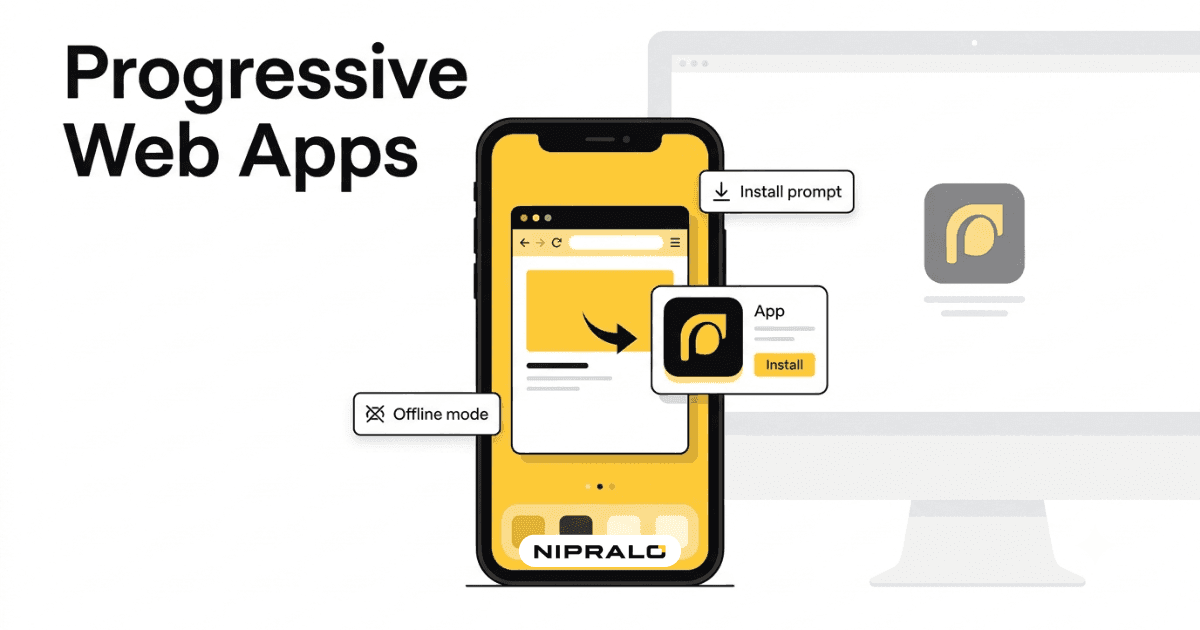
A Progressive Web App is a website built with extra capabilities that make it feel like a native app. You open it in a browser like any other site. But behind the scenes it can save itself on the device, run offline, and prompt the user to install it straight to their home screen.
The word progressive matters. The app works for everyone on a basic browser, then adds features for people whose browsers support them. Old phone gets a working website. New phone gets the full app-like experience. Same code.
In plain terms
Think of it as a website wearing an app costume. Tap the icon, it opens full screen with no browser bar. It remembers you. It loads instantly on the second visit. But it was never pulled from an app store, and nobody had to approve a heavy install.
Why PWAs matter right now
Mobile is where the traffic is. App installs are where businesses lose people. Every extra step between interest and use costs you customers, and the app store is a very tall step.
PWAs cut that step out, and the results are documented. When Twitter rebuilt its mobile site as a PWA (Twitter Lite), Google reported a 65% rise in pages per session and a 20% drop in bounce rate. Starbucks saw orders through its PWA climb sharply after launch. The pattern is simple: less friction, more use.
The tech is mature too. Chrome, Edge, Firefox, and Safari all support the core pieces now. The old "iOS does not do PWAs" objection is mostly gone, though Apple still applies more limits than Android, so check the current state for your exact use case. For the deep technical grounding, web.dev's PWA guide and MDN's PWA documentation are the reference sources.
Do they work offline?
Yes, within limits. A PWA uses a service worker, a small script that sits between the app and the network. It caches key files and data. So when the connection drops, the app still opens and shows what it already loaded. A retail PWA can let someone browse products on a patchy train ride. The order will not send until they are back online, but the experience does not die.
Installable, no app store
On Android and desktop, the browser shows an install prompt. Tap it and the PWA lands on the home screen like any app. On iPhone, users add it through the share menu with "Add to Home Screen". Once installed, it opens full screen, runs in its own window, and can send push notifications on supported browsers.
Here is how the three options actually compare.
What a PWA gives your business
The value is not the tech. It is what the tech saves you.
- One codebase. Android, iOS, and desktop from a single build instead of separate native apps. It is part of how we approach our web and app builds.
- Real reach. A PWA is a website, so Google indexes it. People find you through search, not just a store listing nobody browses.
- No store tax, no review delay. No platform cut on transactions, and updates go live the moment you push them. No waiting on an app review queue.
- Faster loads, lower bounce. Caching means the second visit is near instant, which keeps people around.
A real example
Take a mid-size retailer in Pune selling mostly to repeat customers. They wanted an app for reorders and offers but stalled on the native build cost and the store approval cycle. A PWA gave them the installable icon, push notifications for deals, and offline browsing, all from one codebase that doubled as their website. Build cost came in well under a native quote, and updates shipped the same day instead of waiting on review. You can see the range of what we build on our services page.
When you should skip a PWA
PWAs are not always the answer. Be honest about your needs. Skip one, or at least think hard, if:
- You need deep hardware access. Heavy Bluetooth, advanced camera control, background location, or niche sensors still favour native.
- The app store is your sales channel. Some customers only discover and trust apps through the store. Certain games and consumer apps belong there.
- iOS limits matter to you. Apple supports PWAs but with more restrictions than Android. Check push and install behaviour for your case.
- You need top-end performance. For graphics-heavy or real-time apps, native still wins at the ceiling.
How to decide if a PWA is right for you
You do not need to guess. Work through four questions.
- List your must-have features. Write down every core thing the app must do: reorders, notifications, offline access, payments.
- Check your hardware needs. If none of those features need deep device hardware, a PWA likely covers you.
- Decide if the app store matters. If discovery and trust depend on the store, weigh native more heavily.
- Compare the real cost. Get a quote for both a PWA and a native build. For most small and mid-size businesses, the PWA number is lower and ships faster.
The short version
Progressive Web Apps let you deliver an app-like experience without paying the app store tax. For most businesses that want reach, speed, and a sane budget, a PWA is the smart default. Native still wins when you need deep hardware or the store as a channel. The right call comes from your feature list, not from hype.
Not sure if a PWA fits your business?
Book a free 20-minute call. Our team will look at your features and tell you straight whether a PWA or a native app makes more sense for you.
Frequently Asked Questions
What is a Progressive Web App in simple terms?

A Progressive Web App is a website that behaves like an app. You open it in a browser, but it can be installed to your home screen, works offline, and can send push notifications. There is no app store download involved.
What is the difference between a PWA and a native app?
A native app is built for a specific platform and installed from an app store. A PWA runs from the browser, works across Android, iOS, and desktop from one codebase, and needs no store approval. Native apps get fuller access to device hardware, while PWAs cover most common business needs at lower cost.
Do Progressive Web Apps work offline?
Yes, within limits. A PWA uses a service worker to cache key files and data on the device. When the connection drops, the app still opens and shows what it already loaded, though actions that need the network wait until you are back online.
Are PWAs still worth it in 2026?
For most businesses, yes. Browser support is now broad across Chrome, Edge, Firefox, and Safari, and PWAs remove app store friction while keeping one codebase. Native still makes sense when you need deep hardware access or the app store as a sales channel.
How much does it cost to build a PWA?
It depends on features and complexity, but a PWA is usually cheaper than building separate native apps because it uses a single codebase. The best approach is to get a quote for both a PWA and a native build and compare them against your feature list.